Networking
Better home Wi-Fi starts with a network plan
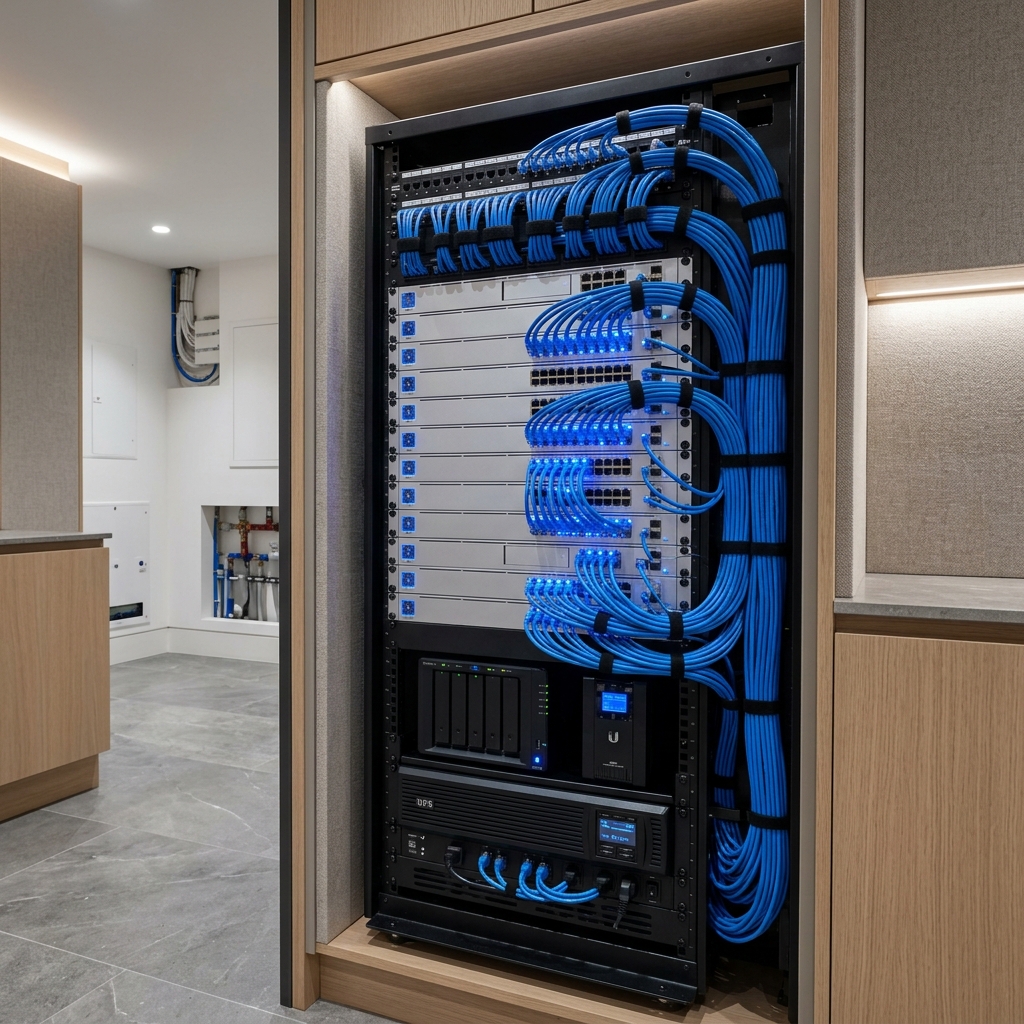
A reliable home network starts with understanding the property and how people use it. Internet service, wireless coverage, cabling, and equipment placement are connected decisions. Buying a new router without checking the rest of the system can leave the original problem unresolved.
Map where connectivity matters
Mark the rooms where you work, stream, make calls, and use connected devices. Include outdoor spaces, detached structures, and rooms at the far ends of the property. A floor plan with these priorities is more useful than a simple total square footage.
Note when problems happen. An issue affecting every device may need a different investigation from weak coverage in one bedroom. Describe whether the connection drops, slows down, or only struggles with one application. That detail helps guide the next check.
Use wiring where it makes sense
Discuss wired connections for fixed equipment such as televisions, office workstations, and network infrastructure. Wiring does not replace the need for Wi-Fi, but it gives stationary devices a connection that does not depend on their wireless reception.
During construction, coordinate cable routes and network outlets with furniture and television plans. Keep terminations accessible and labeled. The appropriate cable and installation method depend on the route, environment, and equipment; those details should be confirmed as part of the design.
Choose access-point locations deliberately
Wireless access points need locations that serve the occupied areas of the home. Hiding equipment wherever there is a spare outlet can conflict with that goal. Wall construction, floor layout, neighboring networks, and mounting constraints all deserve attention.
A drawing is the starting point. Check coverage in the finished space, including the rooms and outdoor areas that matter most. Review practical use as well as measurements: a stable call at a desk or a stream in the family room is part of the experience the network needs to support.
Bring these details to a network consultation
An existing installation can often be assessed more clearly when its history is available. Gather what you know without changing settings or disconnecting equipment you rely on.
- A floor plan and the locations where connections are unreliable.
- Your internet provider, service plan, and existing equipment models.
- Known cable and outlet locations, including detached buildings.
- The number of workspaces, televisions, and other connected systems.
- Any upcoming renovation that could provide access for new cabling.